
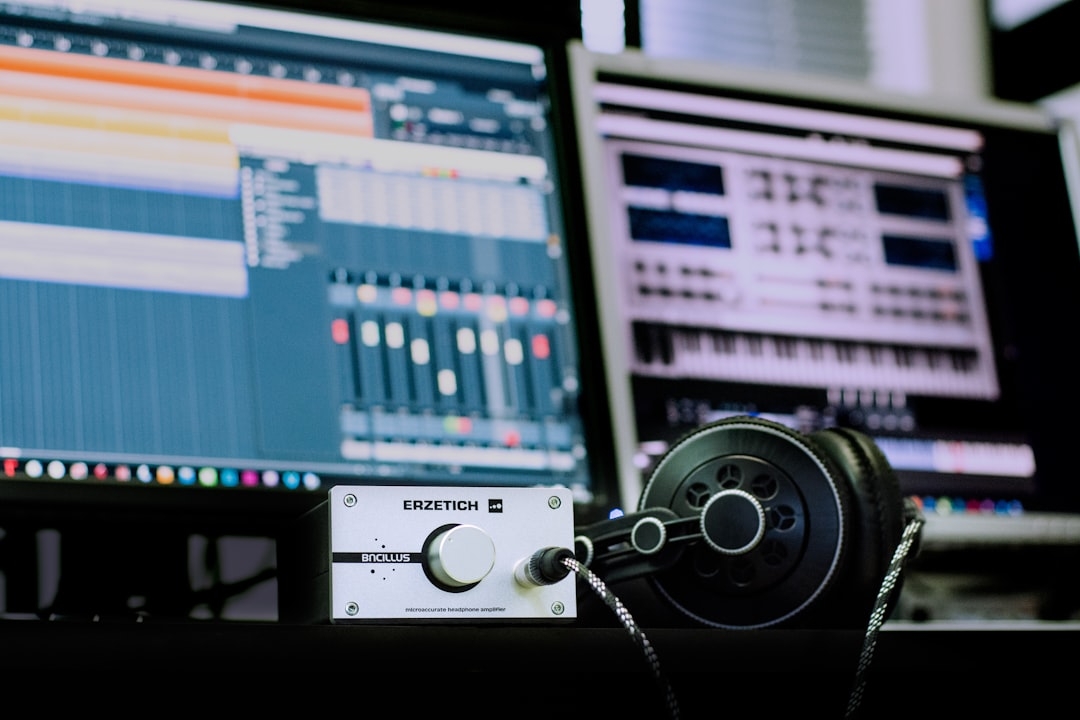
AI-driven music source separation has become a critical technology in modern creator platforms. Whether for remixing, karaoke, or content creation, the ability to isolate vocals or individual instrument stems empowers creators like never before.
This article unpacks what AI stem splitting and vocal removal really are, how these processes work under the hood, and what to watch out for when trying to build or improve such systems yourself.
What Is AI Music Source Separation?
At its core, music source separation involves isolating individual sound components (or "stems") from a mixed audio recording. These stems can include vocals, drums, bass, guitars, and more. AI models analyze the audio to determine patterns and spectral features unique to each source, allowing the software to split the original track into separate channels.
Common stem types include:
- Vocals
- Drums
- Bass
- Other instruments
“Vocal removal” is a subset of stem splitting that attempts to extract or suppress vocals specifically, often used in karaoke or remix applications.
How Does AI Stem Splitting Actually Work?
The process often relies on deep learning techniques, primarily neural networks trained on vast datasets of isolated instrument tracks. These networks learn to recognize the distinctive acoustic fingerprints of different components.
Technically, the task is framed as a source separation problem, where the input is a waveform or a spectrogram (a visual representation of sound frequencies over time), and the output is the estimated waveforms/stems that correspond to individual sources.
Two common approaches include:
- Spectrogram masking: The AI predicts masks to filter the spectrogram, isolating sources by emphasizing or suppressing frequency/time regions related to each instrument.
- End-to-end waveform separation: Some models work directly on waveforms, generating separated audio without intermediate spectrogram steps.
Despite advances, perfect separation remains challenging because audio sources often overlap in frequency and time. The models make trade-offs between clarity and artifact suppression.
What Are Common Misconceptions About AI Vocal Removal?
Many believe vocal removal is a simple task of subtracting vocals from a mixed track. In reality, it's a complex problem:
- Vocals and instruments share frequencies: This overlap makes pure removal difficult without affecting instrument quality.
- Phase information matters: Separating sources incompletely often creates audible glitches or unnatural sounds.
- Not all vocal removal tools use AI: Some rely on stereo phase cancellation, which works only on stereo tracks where vocals are centered. AI-based methods are more flexible but require extensive training.
A key pitfall is expecting studio-quality acapellas or instrumental tracks from any song without residual artifacts or loss of audio fidelity.
When Should You Use AI Stem Splitting in Practice?
AI stem splitting is valuable when you need to:
- Create karaoke or backing tracks
- Isolate vocals for remixing or sampling
- Analyze individual instruments for music education or production
- Enhance accessibility, like creating alternate listening experiences
However, it’s crucial to recognize the limitations and noise trade-offs before fully relying on AI separation for critical tasks.
Engineering Insights: What Works and What Fails in Production
Having worked directly with AI source separation in creator tools, I've seen projects stumble on two main issues:
- Data quality and variety: Models fail when exposed to audio types unlike their training data—live recordings, heavy reverb, or non-Western instruments cause errors.
- Expectations management: Users often expect flawless, artifact-free stems, but every separation introduces some noise or distortion.
Engineering a reliable AI vocal remover or stem splitter means balancing accuracy with computational efficiency and user tolerance for artifacts.
What Are Common Mistakes When Building AI Source Separation Tools?
From my experience, here are pitfalls to avoid:
- Ignoring phase information: Discarding phase leads to unnatural sounding outputs.
- Overfitting training data: A model trained on narrow datasets won't generalize well.
- Neglecting latency and performance: Complex models may bog down real-time applications.
- Assuming one-size-fits-all: Different genres and recordings need tailored approaches.
How Can You Improve Your AI Stem Splitting Implementation Today?
Here are practical steps you can take:
- Ensure your training data includes diverse genres and audio conditions.
- Experiment with spectrogram mask refinement techniques.
- Incorporate phase estimation methods to improve vocal clarity.
- Gather user feedback on output quality to fine-tune models.
Real-world testing is critical: run your model on fresh tracks and listen carefully for artifacts or missing details.
What Should You Try Next? A Quick Debugging Task
Set aside 20-30 minutes to perform this test:
- Pick a song with clear vocals and multiple instruments.
- Run your AI stem splitting tool to isolate the vocals.
- Listen for common issues like:
- Vocal bleed into instruments
- Artifacts such as warbling or robotic sounds
- Loss of vocal nuances (reverb, breaths)
- Try adjusting input parameters or mask thresholds to see if quality improves.
- Document what changes improve or worsen the results.
- Use these insights to guide future model training or parameter tuning.
This hands-on troubleshooting fosters deeper understanding and sharper engineering intuition.
AI-based stem splitting and vocal removal are powerful but imperfect tools. Knowing the mechanics and limitations helps creators and engineers get the best possible results while setting realistic expectations.
Technical Terms
Glossary terms mentioned in this article











Comments
Be the first to comment
Be the first to comment
Your opinions are valuable to us