
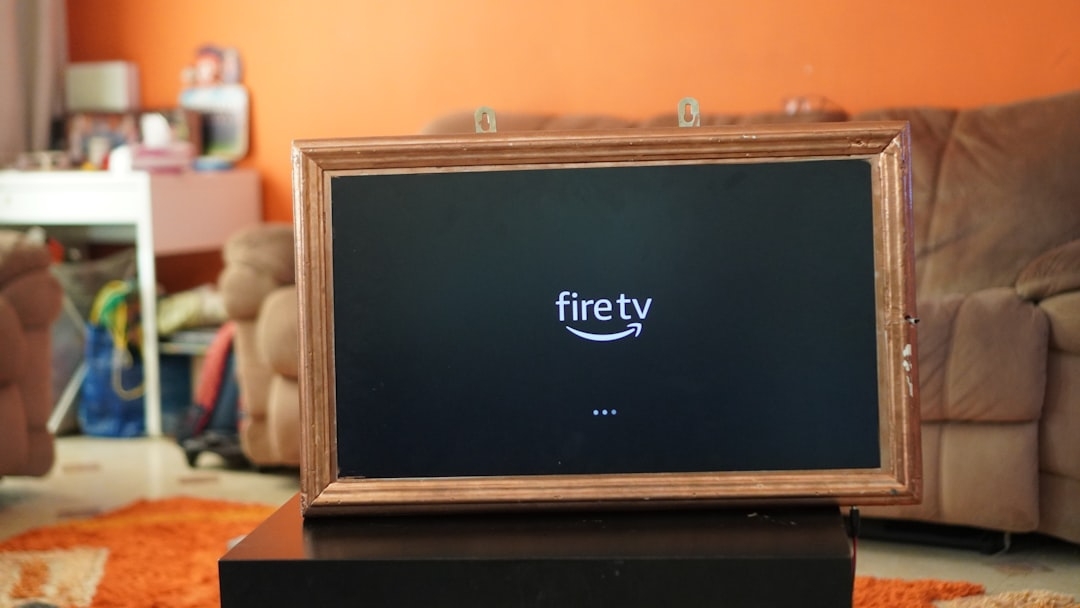
Imagine you're lounging on your couch with your phone in hand, wanting to find that perfect show without juggling your TV remote and multiple menus. Amazon’s redesigned Fire TV app is built precisely to make this scenario easier and more seamless.
Released recently, the updated Fire TV app aims to bridge your smartphone and TV experience for smoother content discovery and playback. It enables users to browse movies and series, manage their watchlists on the go, and even start playing titles on the TV directly from their mobile device.
How does the new Fire TV app work?
The updated Fire TV app acts as a second screen that gives you full control over your TV entertainment without having to touch the remote. It offers a content directory where users can browse streaming options from multiple services all in one place. This means you no longer need to switch between apps on your TV to find content.
From the app, you can add shows and movies to your watchlist, allowing you to organize what you want to watch later. When you pick a title in the app, it will play seamlessly on your Fire TV device without interruption.
Technical explanation: The app uses your home network to communicate with your Fire TV, sending commands from phone to device. It aggregates metadata from various streaming services installed on your Fire TV to present a unified browsing experience on your phone screen.
Where does the Fire TV app shine?
The biggest strength lies in convenience. If you’re accustomed to scrolling endlessly on your phone for recommendations, this app keeps that familiar experience while letting you push content straight to your TV.
It also helps with watchlist management. Instead of relying solely on services’ individual watchlists, you get a single curated list on the Fire TV app. This can save time and reduce frustration when managing multiple subscriptions. For people who like to plan their viewing in advance, this centralized system is a game changer.
When should you use the Fire TV app?
Do you find navigating your TV’s interface slow or cumbersome? The Fire TV app is a handy alternative, especially for those who already spend time on their smartphones. You can quickly switch between content options without interrupting your TV viewing by having your phone as a remote and discovery tool all-in-one.
It also suits households where multiple people want to queue shows or movies without competing for control of the TV remote.
When NOT to use the Fire TV app?
While the app adds many benefits, it’s not perfect for everyone. If you prefer the tactile feel of a traditional remote, or your phone’s battery is always low, relying entirely on the app may become inconvenient. Sometimes, the connection between phone and Fire TV can lag, causing slight delays in commands.
Also, the app’s content aggregation depends heavily on the streaming services linked to your Fire TV device. If you have fewer supported subscriptions, the app might feel limited compared to browsing inside each streaming app directly on TV.
Are there alternatives to the Fire TV app?
Yes. Other streaming platforms offer their own mobile companion apps that deliver similar features:
- Roku Mobile App: Allows users to control Roku devices and browse content lists
- Apple TV Remote App: Integrated with Apple TV for navigation and voice commands
- Google TV App: Centralizes browsing and watchlist management for Chromecast users
Each option has its trade-offs depending on device ecosystem, streaming subscriptions, and personal preferences.
What to expect going forward?
Amazon’s redesign of the Fire TV app indicates a growing trend toward seamless mobile-TV integration. By turning your phone into a full-featured TV companion, they aim to make content discovery and playback faster and more intuitive. However, this depends on network reliability and comprehensive content support from streaming services.
For users who embrace it, the app can reduce complexity and clutter when dealing with multiple streaming platforms. It will be interesting to watch how Amazon enhances the app’s responsiveness and compatibility over time.
Your next steps: Try the Fire TV app now
Spend 20–30 minutes experimenting with the Fire TV app. Start by linking your phone to your Fire TV device, browse through content menus within the app, add items to the watchlist, and initiate playback on your TV.
Notice how much faster (or not) you can find shows compared to using the physical remote. Pay attention to any lag or connectivity issues. This simple test will give you a clear sense of whether the redesigned Fire TV app fits your streaming habits or not.
Technical Terms
Glossary terms mentioned in this article

Comments
Be the first to comment
Be the first to comment
Your opinions are valuable to us