
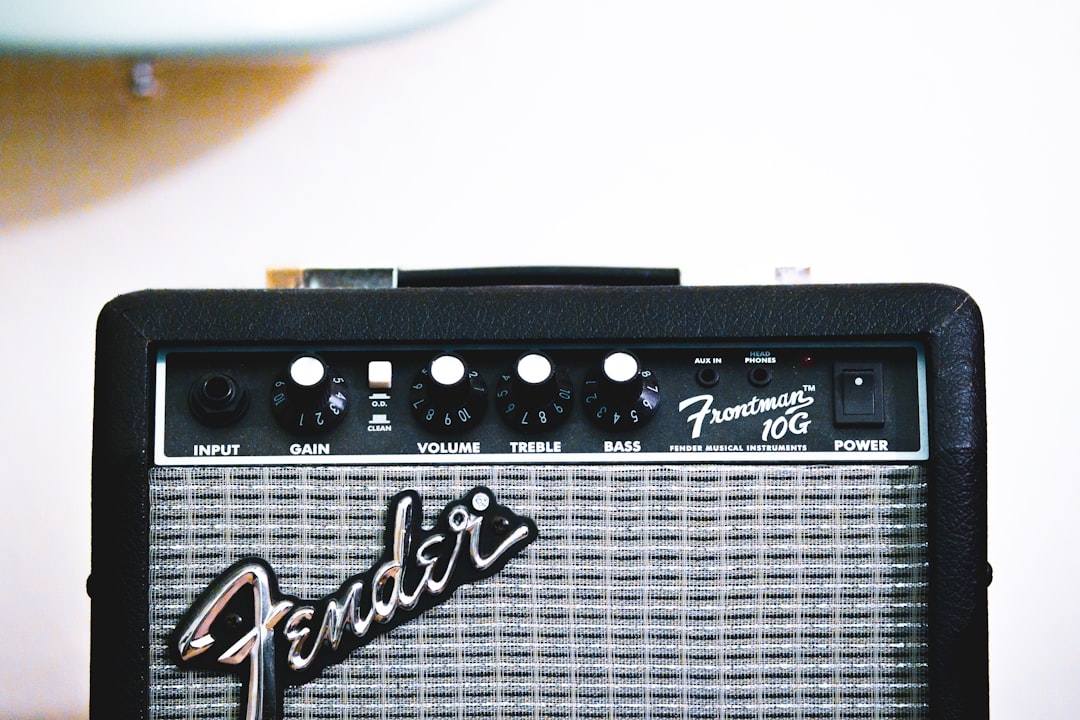
Expressing yourself through music has typically required specialized knowledge or instruments. Yet, technological advances are reshaping this landscape, making music creation accessible to everyone. Gemini’s recent integration of its advanced music generation model, Lyria 3, allows users to effortlessly craft 30-second musical tracks using only text or images as input. This breakthrough exemplifies how AI-powered tools are democratizing artistic expression.
Understanding why this matters starts with recognizing the challenges of traditional music creation. Not everyone has formal training or access to music software that demands complex skills. Gemini’s approach simplifies this by interpreting user prompts in natural language or visual form, then generating expressive music accordingly.
How does Gemini’s Lyria 3 music generation work?
Lyria 3 is Gemini’s most sophisticated music generation model to date. Built with state-of-the-art neural networks trained on vast datasets of music and sound, it translates textual descriptions or images into short audio clips lasting around 30 seconds. These clips encapsulate rhythm, melody, and mood that correspond to the input’s characteristics.
Key to understanding this process is the concept of music generation models, a subset of generative AI that synthesizes new audio content by learning from patterns in music data. Lyria 3 improves upon previous iterations by generating more coherent, emotionally resonant, and stylistically diverse music, bridging the gap between user intent and actual sound output.
Why should creators consider Gemini’s music generation feature?
Creators, content producers, and casual users often face a trade-off between creative freedom and technical limitation. Gemini’s tool tackles this head-on by enabling music creation without the need for traditional instruments or software proficiency. Whether you’re crafting ambient backgrounds for videos, generating unique sound bites for social media, or simply experimenting, Gemini provides an intuitive interface and output.
However, it’s important to note the limitations inherent to AI-generated music. Tracks are limited to 30 seconds, which may constrain users seeking longer compositions. Furthermore, nuances of human emotion and technical mastery present in live performances might not be fully captured yet by AI models like Lyria 3.
How does using text versus images affect music creation?
Text and images offer distinct input modalities, each with unique implications:
- Text input: Users can describe mood, instruments, tempo, or genres. For example, “a calm piano melody with gentle rain sounds” prompts the model to interpret and generate music matching this description.
- Image input: The app analyzes visual elements such as colors, shapes, and intensity to inspire corresponding musical themes — warmer colors might generate a vibrant tone, while cooler shades inspire relaxed, ethereal sounds.
This versatility allows users to choose their preferred creative spark, making the experience both accessible and artistically rich.
What are the practical applications and real-world results of Lyria 3?
Early adopters report that Gemini’s Lyria 3 is effective for quick content creation in marketing, video production, and even personal projects. The 30-second length is ideal for social media clips, promotional materials, and looping background audio, providing fresh alternatives to stock music or manual production.
In practice, Gemini’s solution reduces time and resource investment in music creation, empowering creators without sacrificing creative control entirely. As with all AI-generated art, human curation and iteration remain essential to refine final outputs.
What trade-offs should users keep in mind?
- While Lyria 3 produces impressive musical textures, it’s not yet a full replacement for professional composers or musicians when complex, extended compositions are required.
- The fixed 30-second format imposes limits on storytelling through music but offers digestible, repeatable content for fast-paced media.
- The simplicity and ease of use come with the risk of generic sounds if input prompts are vague or repetitive.
How to decide if Gemini’s music generation fits your needs?
Choosing the right music creation approach depends on your goals, skills, and workflow preferences. Use this checklist:
- Do you need quick, short-form music without deep technical knowledge?
- Are you open to inputting creative prompts as text or images?
- Is your project suited for 30-second clips rather than longer scores?
- Are you willing to curate and iterate outputs for better results?
If most answers align, Gemini’s Lyria 3 feature is a powerful option. Otherwise, traditional tools or working with professional composers may better serve your needs.
In summary, Gemini’s latest music generation capability offers an innovative, accessible way to create expressive soundtracks from simple inputs. It bridges the creative gap by transforming text and images into music, lowering the entry barrier for musical artistry. The bounded length and current AI limitations define clear usage contexts but do not diminish its value as a creative aid.
For creators exploring AI-generated music, Gemini’s Lyria 3 is a compelling tool to experiment with, especially for short audio track production. Proceed with mindful expectations and take advantage of its flexibility for various applications.
Next steps: Evaluate your creative requirements using the checklist above and set aside 15-25 minutes to test Gemini’s music generation feature with both text and image prompts. Compare the results and note which input better aligns with your expressive vision.
Technical Terms
Glossary terms mentioned in this article

Comments
Be the first to comment
Be the first to comment
Your opinions are valuable to us