
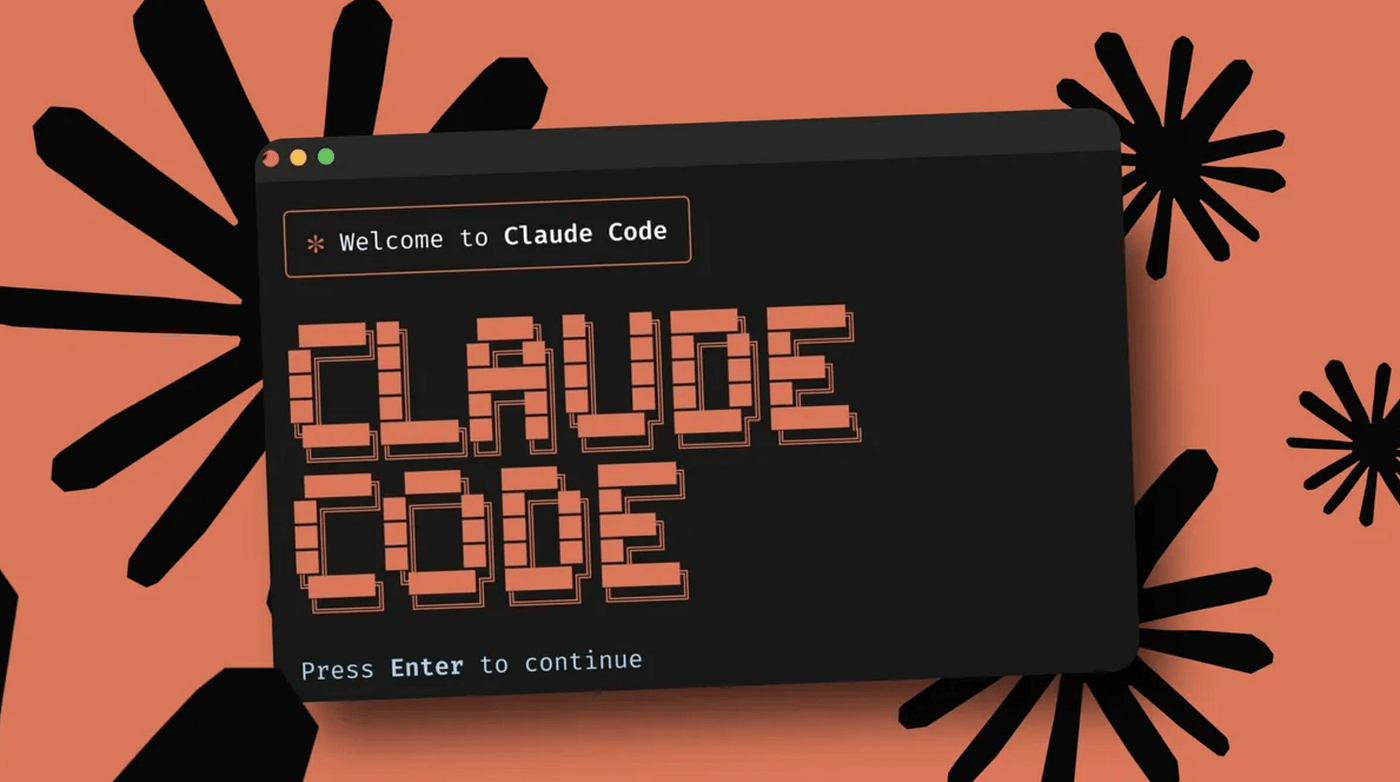
How to Actually Use Claude Code Effectively
A practical guide from real-world production experience
Claude Code is absurdly powerful.
Most people still get mediocre results from it.
The problem isn’t the model.
It’s how people think, plan, and communicate before they touch the keyboard.
This guide distills hard-earned lessons from using Claude Code daily to build systems that handle real traffic, real users, and real failure modes.
1. Think Before You Type
The biggest mistake people make with AI tools is starting to type immediately.
Every single time I used plan mode instead of jumping straight into implementation, the output was significantly better. Not slightly. Dramatically.
Before asking Claude to:
build a feature
refactor code
debug an issue
even summarize an email
Pause and think:
What is the end state?
What constraints matter?
What do I already know?
What decisions are already made?
Better input → better output. Always.
If you struggle with this:
Learn system design basics. You’re handicapping yourself otherwise.
Or do a back-and-forth with an LLM (ChatGPT, Gemini, Claude) before coding. Architecture is a conversation, not a monologue.
2. Architecture Is Non-Negotiable
“Build me an auth system” is not a prompt.
It’s a gamble.
Compare that to:
Build email/password authentication using the existing User model, store sessions in Redis with a 24-hour expiry, and protect all routes under
/api/protected.
Same outcome. Completely different results.
Architecture removes ambiguity.
Ambiguity is where AI-generated code goes wrong.
Use Plan Mode (Shift + Tab twice).
Five minutes of planning saves hours of debugging.
3. CLAUDE.md Is Your Leverage Point
CLAUDE.md is the first thing Claude reads when a session starts.
It shapes every single decision the model makes.
Most people either:
ignore it, or
turn it into useless documentation
Both are mistakes.
What actually works:
Keep it short
Claude reliably follows ~150–200 instructions total. The system prompt already uses a big chunk. Long files get ignored randomly.Make it project-specific
Claude knows what “components” are.
Tell it the weird stuff: scripts, constraints, non-obvious rules.Explain why
“Use strict TypeScript” is okay.
“Use strict TypeScript because implicitanycaused production bugs” is much better.Update it constantly
If you correct Claude twice on the same thing, it belongs inCLAUDE.md.
Good CLAUDE.md looks like notes you’d leave yourself if you had amnesia tomorrow.
4. Context Windows Degrade Early
Yes, Opus has a massive context window.
No, that doesn’t mean you should use all of it.
Quality starts degrading around 30–40% usage, not at 100%.
More context ≠ better output.
Past a point, it actively makes things worse.
What helps:
One conversation per feature
External memory (
plan.md,SCRATCHPAD.md)The copy-paste reset:
/compact/clearpaste back only what matters
Claude is effectively stateless.
Plan accordingly.
5. Prompts Decide Everything
Prompting isn’t magic.
It’s communication.
Clear communication wins. Every time.
Do this:
Be specific
State constraints
Say what not to do
Explain tradeoffs (“this runs on every request”, “this is a throwaway prototype”)
Claude loves to overengineer unless you tell it not to.
If output is bad, don’t blame the model.
Bad input → bad output. Full stop.
6. Use the Right Model for the Job
Opus: planning, architecture, tradeoffs
Sonnet: execution, refactors, implementation
Plan with Opus.
Build with Sonnet.
Your CLAUDE.md keeps both aligned.
7. Use Tools, But Don’t Worship Them
MCP servers, hooks, slash commands, headless mode — they matter.
If you’re repeatedly copying data into Claude, automate it.
If you want consistent quality, add hooks (Prettier, type checks).
If you repeat prompts, turn them into slash commands.
Experiment. Retest. Models improve weekly.
8. When Claude Gets Stuck, Change Tactics
If you’ve explained something three times and it still fails:
Clear the conversation
Simplify the task
Show an example
Reframe the problem
More explaining rarely helps.
Different framing does.
9. Build Systems, Not One-Off Prompts
The real leverage comes when Claude is part of a system:
automated PR reviews
documentation updates
scripted workflows (
-pheadless mode)
The flywheel:
Claude makes a mistake
You fix the system, not the output
Claude improves next time
Same model. Better results.
TL;DR
Think before typing
Plan before building
Architecture is mandatory
CLAUDE.mdis your strongest toolContext degrades early — reset often
Bad output means bad input
Use the right model for the job
When stuck, change approach
Build systems, not prompts
Modern AI is absurdly capable.
If you’re fighting it, the problem is almost never the model.
Technical Terms
Glossary terms mentioned in this article












Comments
Be the first to comment
Be the first to comment
Your opinions are valuable to us