
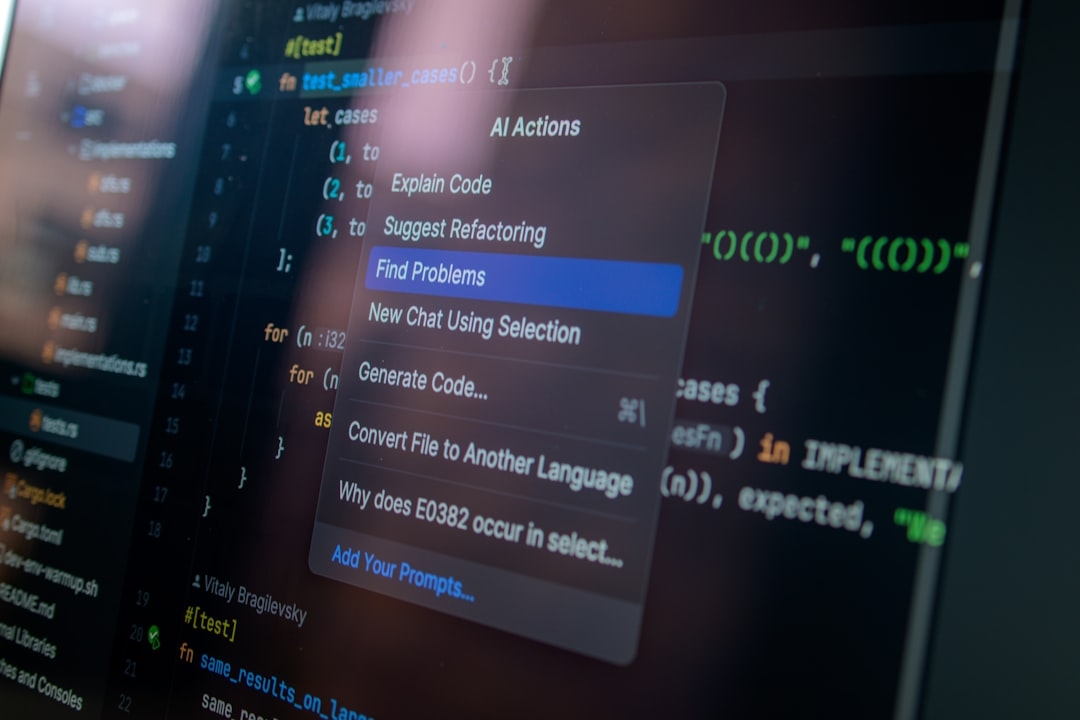
Research writing is often tangled with switching between multiple tools—LaTeX editors, chat assistants, and collaboration platforms. Prism challenges this norm by offering a unified workspace that natively integrates LaTeX editing and the latest AI, GPT-5.2, aiming to simplify how researchers write, collaborate, and reason.
Does combining these complex elements in one place truly improve research productivity? We put Prism to the test, drawing on real experiences rather than marketing hype or theory.
What Is Prism and Why Does It Matter?
Prism is a free research workspace built around LaTeX, the widespread typesetting system favored by academics worldwide for its precise handling of technical and scientific documents. Unlike traditional LaTeX editors that focus solely on formatting, Prism embeds GPT-5.2—OpenAI's advanced language model—right within the workspace.
This integration means you can generate text, summarize papers, and brainstorm ideas without leaving the document. By doing so, Prism aims to keep the research flow uninterrupted and reduce the friction of context switching.
How Does Prism Work in Practice?
On opening Prism, users get a familiar LaTeX environment supporting math, figures, and references. The twist is how GPT-5.2 acts as an on-demand assistant. You can ask it to explain a concept, draft paragraphs, or help rewrite sections while the LaTeX formatting stays intact.
This tight coupling does away with the usual tedious copy-paste and reformatting steps when using AI tools externally. It’s like having an AI co-author embedded directly in your document, ready to help at any moment.
What Features Stand Out?
- LaTeX-Native Editing: Full support for standard LaTeX commands, allowing complex scientific notation without compromise.
- Built-in GPT-5.2 Assistance: Natural language interactions with the model to generate, correct, or refine content instantly.
- Collaborative Workspace: Real-time collaboration lets multiple users work simultaneously, sharing AI-powered insights directly.
- Integrated Reasoning: GPT-5.2 aids not just in writing but also in logical reasoning and outlining arguments within the same interface.
Why Haven't Similar Tools Taken Off?
The idea of AI-assisted LaTeX editing isn’t new, but many implementations failed because they disconnected the writing and AI components. AI inputs often produced messy output requiring manual cleanup. Prism’s novelty is the seamless, LaTeX-aware AI that respects document structure.
Yet challenges remain. GPT-generated text—even the state-of-the-art GPT-5.2—can drift off-topic or introduce hallucinations if unchecked, making human oversight critical. Also, LaTeX's complexity means that not every user feels comfortable troubleshooting style or compilation errors while also interpreting AI suggestions.
When Should You Use Prism?
Prism shines in scenarios where:
- Researchers need a single integrated platform for writing and AI assistance without juggling multiple apps.
- Collaborative projects demand real-time editing along with smart reasoning aids.
- You require generation or refinement of technical content directly within LaTeX format to maintain high document quality.
In other cases, traditional LaTeX editors combined with standalone AI tools may still be preferable, especially if you prioritize full manual control or simpler workflows.
How Does Prism Compare to Conventional Approaches?
Typically, researchers draft content in plain text or word processors, use separate AI assistants for help, and finalize formatting in LaTeX editors. This workflow often leads to:
- Context loss between drafting and formatting
- Extra time spent transferring and fixing documents
- Disjointed collaboration where AI suggestions are not easily shared in real-time
By contrast, Prism minimizes these gaps by embedding AI within the very LaTeX environment. Many initial user reports indicate faster iteration cycles, more focused editing sessions, and reduced distractions.
What Have We Learned About Limitations?
Despite its promise, Prism isn't flawless:
- AI generated content must be carefully vetted; there's no shortcut to critical reading.
- The interface still assumes user familiarity with LaTeX, potentially intimidating newcomers.
- Performance can vary with document complexity, and occasional compilation glitches may hinder smooth editing.
These trade-offs mean Prism is best suited for disciplined users comfortable with LaTeX who appreciate embedded AI assistance rather than novices expecting fully automated writing.
How Can You Evaluate Prism Yourself?
To quickly assess Prism’s fit for your workflows, try this short framework:
- Document Setup: Import or start a sample LaTeX document relevant to your field.
- AI Interactions: Use GPT-5.2 to generate a paragraph, ask for clarifications, or rewrite sections.
- Collaboration Test: Invite a colleague to join and work simultaneously to see real-time syncing and AI contribution.
- Error Monitoring: Pay attention to LaTeX compilation processes; note if AI outputs require heavy cleanup.
- Time Tracking: Compare how long writing and editing take versus your current tools.
This exercise, taking roughly 20 minutes, reveals whether Prism balances AI assistance and LaTeX fidelity well enough for your needs.
Key Takeaways
Prism reimagines academic writing by fusing advanced AI with native LaTeX editing and collaboration. Its bold attempt addresses longstanding pain points related to fragmented workflows.
However, researchers must approach AI assistance critically, balancing time saved against the need for vigilance over generated content. Prism is a compelling option for LaTeX-savvy individuals who want smarter, integrated drafting without hopping across platforms.
Technical Terms
Glossary terms mentioned in this article












Comments
Be the first to comment
Be the first to comment
Your opinions are valuable to us