
It might surprise you that many design and development teams spend up to 30% of their project time merely translating ideas back and forth between design mockups and working code. This friction often stalls productivity and leads to misalignment.
Recently, OpenAI and Figma launched a new integration powered by OpenAI's Codex technology, aiming to eliminate this bottleneck by creating a seamless bridge between code and design environments. This article walks through what this integration means in practice, its advantages, and its limitations.
What Problem Does the Codex-Figma Integration Address?
Traditionally, designers work in tools like Figma to create visual interfaces, while developers translate these designs into code. This handoff can be error-prone and costly in time, especially when iterative changes are frequent.
The challenge boils down to two disconnected workflows: design and implementation. Changes in code often require going back to the designer, and design tweaks might not immediately reflect workable code. This disconnect creates delays that slow down final delivery.
How Does the OpenAI Codex and Figma Integration Work?
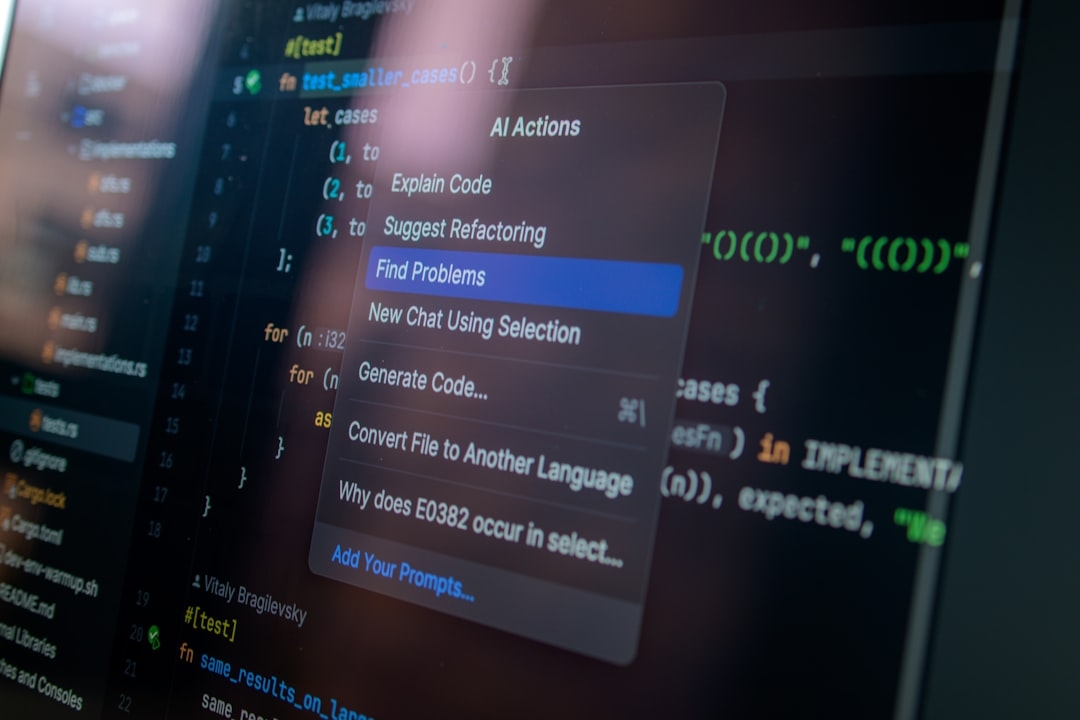
At its core, the integration connects OpenAI Codex — an AI capable of understanding and generating code based on natural language and existing software context — with Figma's design platform. This allows:
- Developers to jump from code segments directly into the related Figma canvas areas.
- Designers and developers to iterate on designs and their implementations synchronously.
- Automated suggestions to generate code snippets or update designs in response to changes.
Codex translates natural language or code instructions into design element updates, making iterations faster without repeatedly switching contexts.
Why Is This Integration Important?
Integration like this can drastically reduce the traditional communication gap. Instead of designers handing off static images and developers guessing how to interpret them, there's a live, bidirectional connection that helps:
- Improve accuracy by keeping code and design in sync
- Reduce overhead from repetitive manual work
- Speed up the feedback loop during product development
Is This Seamless Code-to-Design Workflow Perfect?
Not quite. Real-world experiences show that while this integration reduces friction, it introduces new constraints and trade-offs developers and designers need to consider.
Firstly, the AI's code generation is context-dependent and might not always produce perfectly optimized or compliant code. The design-to-code translation might require manual refinements, especially for complex UI behaviors or interactions.
Secondly, the tool's effectiveness depends on the team's familiarity with both platforms and their workflow rigor. The integration works best in environments open to iterative collaboration but can slow down teams expecting linear, well-defined processes.
When Should You Use the Codex-Figma Integration?
This setup excels in projects where rapid prototyping and constant iteration are crucial, such as startups or product teams employing agile methodologies. It’s less suited for highly regulated or legacy systems that require heavy customization and detailed manual code audits.
Think about it like using a smart calculator in everyday shopping: very helpful for quick totals but not to replace a full accounting system for complex finances.
How Does Implementation Look in Real Projects?
Implementing this integration means adjusting your workflow rather than overhauling it. Teams need to:
- Align design components tightly with development frameworks
- Ensure constant feedback loops between designers and developers
- Adopt a mindset open to AI-assisted suggestions but ready for manual interventions
From hands-on experience, this requires training and time before the integration becomes a natural part of daily development cycles. Early use cases show significant time savings once teams overcome initial learning curves.
What Are the Real-World Results and Limitations?
Teams using the Codex-Figma integration report faster turnaround times for UI updates and reduced errors in design implementation. However, challenges remain:
- AI-generated code needs review to maintain quality standards
- Integration may not capture every subtle design nuance, especially those involving animations or complex state changes
- Overreliance on AI suggestions can lead to complacency if critical thinking is sidelined
These factors suggest a balance: leveraging AI to speed repetitive tasks while maintaining expert oversight for quality assurance.
How to Decide If This Integration Fits Your Team?
Choosing to adopt the OpenAI Codex and Figma integration involves assessing your project needs, team's skills, and workflow flexibility. Consider this checklist:
- Do you frequently iterate between design and code?
- Is rapid prototyping a priority?
- Does your team have some familiarity with AI tools?
- Are you prepared to invest time in learning and adjusting workflows?
If you answered yes to most, trialing this integration could deliver real productivity gains.
Final Thoughts
This collaboration between OpenAI and Figma tackles a longstanding software development pain point by bridging code and design efforts. However, it’s not a silver bullet. It requires clear process adaptations and awareness of its limits. Teams should take pragmatic steps to experiment and iterate on this new workflow.
Start by mapping your current design-to-code pain points and see if the integration can address these specific challenges. Keep an eye on maintaining manual review to ensure quality doesn’t slip in the push for speed.
Concrete CTA: Decision Matrix to Evaluate Codex-Figma Integration Adoption
Spend 15–25 minutes completing this matrix to decide if this integration suits your team:
- List your current design-to-code handoff pain points.
- Rate each from 1 (low impact) to 5 (high impact).
- Identify if the integration helps reduce each pain point (Yes/No).
- Evaluate your team’s readiness on a scale of 1–5 for adopting AI-assisted workflows.
- Calculate overall potential benefit by multiplying pain impact by integration help (1 or 0), weighted by readiness.
This exercise provides a structured way to decide if adopting OpenAI Codex and Figma's seamless code-to-design workflow fits your context.
Technical Terms
Glossary terms mentioned in this article









Comments
Be the first to comment
Be the first to comment
Your opinions are valuable to us