
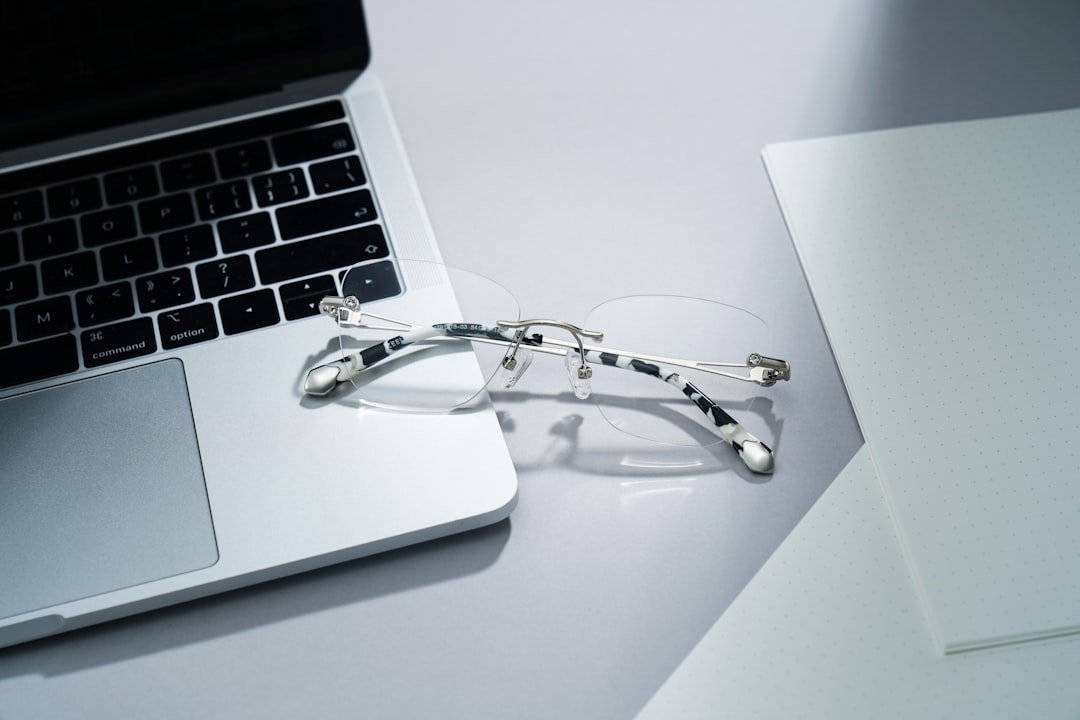
Imagine walking through a crowded street and instantly knowing if someone nearby is wearing smart glasses that could be recording or listening to you without your consent. This unsettling scenario reflects growing privacy concerns over wearable technology. As smart glasses become more common, people worry about invisible surveillance. A hobbyist developer recently launched an app designed specifically to detect these devices nearby, offering a new layer of awareness in everyday interactions.
This article explores how this app works, why it matters, its practical use, and what limits users should expect.
Why Should You Care About Detecting Smart Glasses?
The rise of smart glasses brings exciting capabilities: hands-free information, instant translation, and more. But behind the convenience lie often overlooked privacy risks. Many smart glasses feature cameras and microphones that can continuously record. Unlike obvious smartphone cameras, smart glasses are discreet, making it nearly impossible to tell if someone is recording you.
This lack of transparency prompts a valid question: How do you know when someone near you is wearing always-on recording or listening devices? The app answers this question by alerting users to the presence of smart glasses nearby, offering a way to regain control in public settings.
How Does the App Detect Nearby Smart Glasses?
The app leverages the fact that smart glasses often emit Bluetooth or similar radio signals to communicate with smartphones or other devices. By scanning the surrounding area for these signals and recognizing device signatures, it can identify when a pair of smart glasses is within range. This method is similar to how tracking apps locate wireless earbuds or fitness trackers.
Bluetooth Low Energy (BLE) is a common wireless protocol used by such gadgets. The app listens specifically for identifiers or naming conventions unique to popular smart glass models. Once detected, the user receives a notification that a device is nearby.
It’s important to note that the detection is limited to smart glasses that are powered on and broadcasting signals. Devices that are off, disconnected, or using other communication standards won’t be detected.
What Are the Practical Limitations of This Detection Approach?
While the idea is compelling, several real-world factors limit the effectiveness of such an app:
- Range Constraints: Bluetooth signals typically have a range of 10-30 meters. Detection outside this range is unreliable.
- Signal Confusion: Other devices like headphones or smartwatches might trigger false alarms if they share similar naming patterns.
- User Awareness: The app alerts you only after detection, so privacy is already compromised if the device is recording.
- Technical Barriers: Some manufacturers may encrypt their device signatures, making detection impossible.
These constraints mean the app cannot serve as a foolproof privacy shield but rather as a useful tool to increase situational awareness.
When Should You Use Such an App?
This detection app is most effective in settings where you suspect the potential for covert recording yet lack a way to verify it. Examples include:
- Meetings or social gatherings where you want to protect sensitive information.
- Public spaces where privacy expectations are high, such as cafes or parks.
- Events where smart glasses use is known but unregulated.
Using the app proactively alerts you to the presence of smart glasses, enabling informed decisions about what to say or do next. However, relying solely on this technology without considering other privacy measures is unwise.
How Was the App Developed and Implemented?
The developer, a hobbyist passionate about privacy rights, utilized publicly available Bluetooth scanning APIs originally intended for device pairing and tracking. They mapped common manufacturer IDs and device names associated with smart glasses to create a detection profile.
While not providing enterprise-level detection accuracy, the app serves as proof of concept. It demonstrates how readily available tools can be repurposed for privacy-focused applications without complex hardware.
This grassroots approach shows promise but also highlights the technical and ethical nuances involved in surveillance detection.
What Are the Real-World Results So Far?
Early users report mixed experiences. In some cases, the app successfully flagged unknown smart glasses in proximity, creating awareness. In other situations, it produced false positives, scanning unrelated gadgets.
Importantly, the app cannot prevent recording; it only alerts users. Some privacy advocates argue that it’s better than nothing but caution against overreliance.
Practical Considerations: What Should You Know Before Using the App?
- Time Investment: Setup and familiarization take a few minutes, but effective use requires ongoing awareness.
- Cost: The app is free or low-cost, but you need a compatible smartphone with Bluetooth scanning capability.
- Risks: False alarms may cause unnecessary anxiety or mistrust in social situations.
- Constraints: The detection relies on device cooperation (broadcasting signals), which varies by manufacturer and model.
Overall, this app is a helpful tool for the privacy-conscious but not a security panacea.
How Can You Evaluate If This App Fits Your Privacy Needs?
In about 10 to 20 minutes, you can run a simple checklist to decide if the app is right for you:
- Consider your daily environments — are you often in situations where covert recording worries you?
- Test the app in known settings to observe its accuracy and false alarm rate.
- Assess your smartphone compatibility and willingness to manage alerts.
- Determine if the app’s information alters your behavior or comfort levels.
Balancing vigilance with practicality is key. No current technology can guarantee full privacy, but greater awareness through tools like this app can tip the scale in your favor.
Technical Terms
Glossary terms mentioned in this article





Comments
Be the first to comment
Be the first to comment
Your opinions are valuable to us