
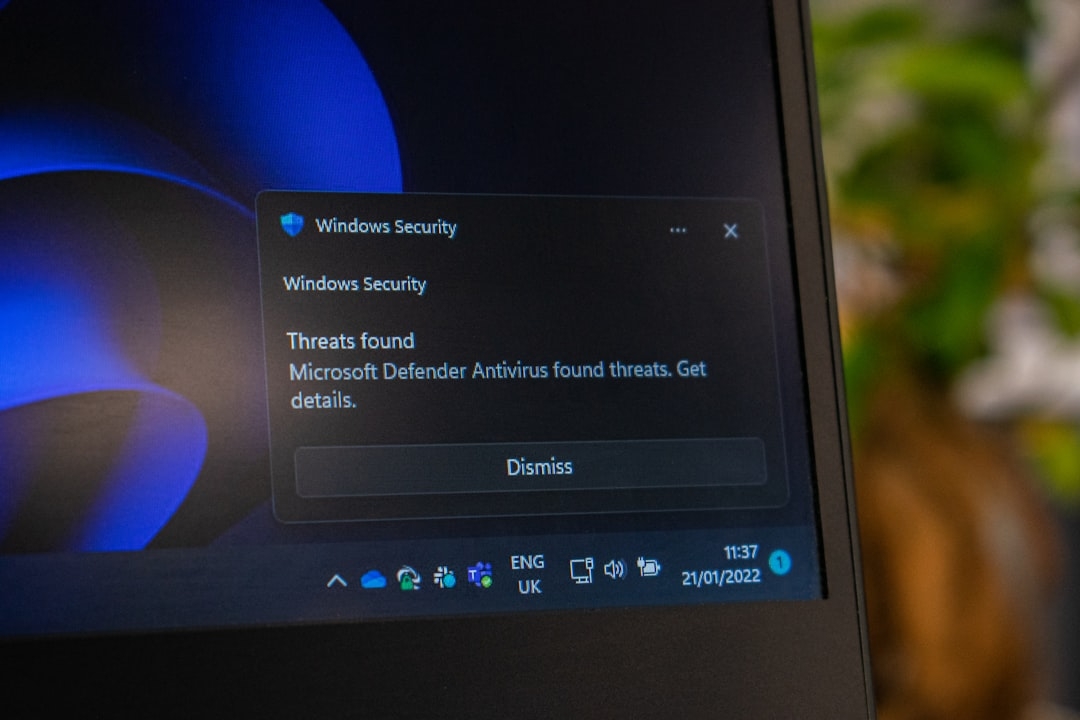
Understanding the Current Threat to Windows and Office Users
If you use Microsoft Windows or Office, it’s crucial to pay attention now. Microsoft has revealed that hackers are exploiting serious security vulnerabilities called zero-day bugs that can give attackers full access to your computer. These flaws allow malicious actors to take complete control by simply tricking you into clicking a harmful link or opening a deceptive file.
This situation demands urgent action because once infected, your data and privacy are at significant risk. Understanding what these bugs are and how they work will help you stay safe and make informed decisions about your security.
What Exactly Are Zero-Day Vulnerabilities?
A zero-day vulnerability is a security weakness in software that is unknown to the vendor and has no available patch when hackers start exploiting it. The name “zero-day” refers to the fact that vendors have had zero days to fix the flaw before attacks begin.
In this case, Microsoft’s recent discovery involves critical flaws in Windows and Office that hackers can leverage remotely. Since these bugs exist at the software’s foundational level, exploiting them can lead to complete system takeover—meaning the attacker gains the same control as the legitimate user.
How Does This Exploitation Work in Practice?
Attackers typically send you a specially crafted email or message with a malicious link or file attachment. When you click the link or open the infected Office document, the exploit silently runs in the background, allowing hackers to execute harmful code on your system.
Because these vulnerabilities can be triggered without your explicit consent other than opening the file or link, they are exceptionally dangerous. Hackers don’t need complex hacking skills themselves; they rely on tricking you into taking a small action that unleashes the attack.
Why Is Immediate Patching So Critical?
Once Microsoft issues a patch to fix these vulnerabilities, anyone who updates their system is protected. However, if you delay patching, your computer remains vulnerable to these active exploits.
Cyberattacks using these zero-day bugs have already been observed in the wild, targeting real users. This isn’t hypothetical—organizations and individuals have been compromised. Applying the latest Windows and Office updates minimizes the risk substantially.
What Are the Common Misconceptions About These Flaws?
- “Antivirus alone can protect me”: While antivirus software helps detect threats, it cannot protect against unknown zero-day exploits until updates are applied.
- “I’m careful, so I won’t be targeted”: These attacks rely on everyday actions like clicking a link or opening a document, which almost everyone does.
- “Updating can wait”: Delays increase your window of vulnerability and give attackers more time to succeed.
When Should You Update Your System?
The best time to update is immediately after Microsoft releases a patch addressing these vulnerabilities. The patches are typically delivered via Windows Update or Microsoft Office Update.
If you’re unsure whether you have the latest updates, it’s wise to check manually via your system settings. Setting automatic updates is a good practice to avoid delays.
When NOT to Use Unverified Files or Links?
Avoid clicking on links or opening files from unknown or suspicious sources, especially during a heightened threat environment like this one. Even if a message appears legitimate, verify the sender before taking any action.
This reduces the risk of inadvertently triggering an exploit, buying you more time to patch and protect your system.
Practical Steps to Protect Yourself Today
- Immediately install all available security updates for Windows and Microsoft Office.
- Verify your software is up to date through official channels.
- Do not open unexpected email attachments or links without verifying the source.
- Use strong, unique passwords and enable multi-factor authentication where possible.
- Keep backups of important data separate from your main system.
How Can You Confirm Your System’s Protection?
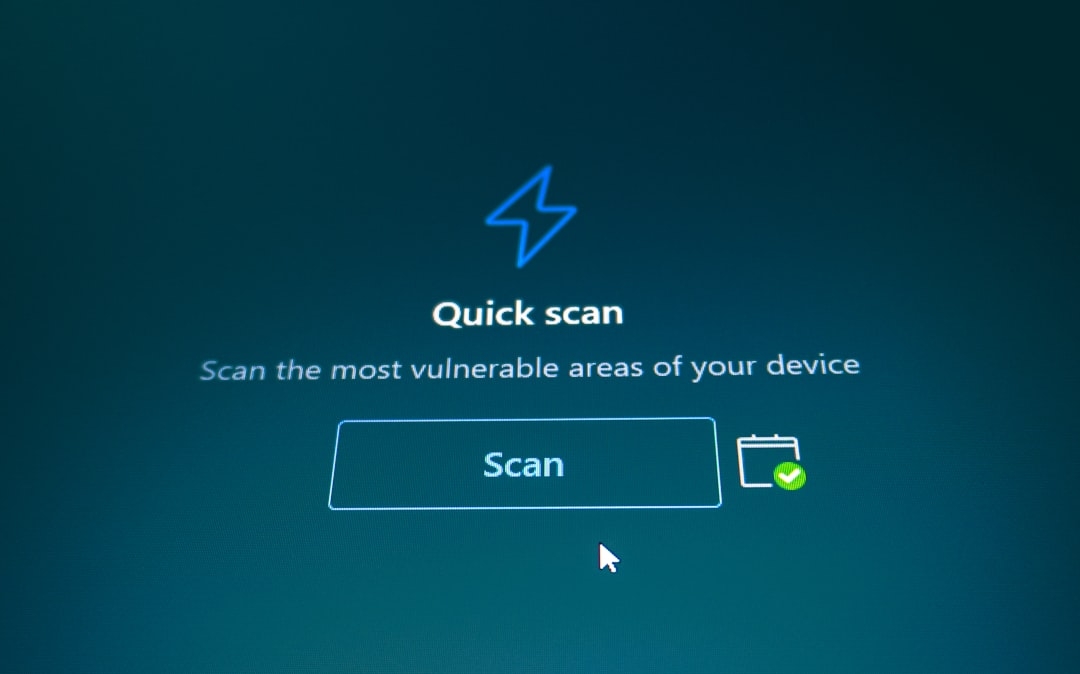
After updating, you can check your system’s patch status and run a malware scan to confirm no infection exists. Microsoft provides security update guides that you can follow to verify your version.
Additionally, staying informed via reputable cybersecurity sources helps you catch new developments promptly.
Conclusion: Why This Matters to You
Ignoring these critical zero-day bugs can have severe consequences. Attackers exploiting such vulnerabilities gain unrestricted access to your files, emails, and even control over your entire device. This could lead to identity theft, ransomware attacks, or business disruptions.
Taking prompt action by updating your Windows and Office software reduces the attack surface and helps keep your data safe. Security is a shared responsibility, and your timely response matters more than ever amid these ongoing threats.
Concrete Next Step to Try
Take 15 minutes right now to check your Windows Update settings and install any pending updates. Then, open Microsoft Office and check for updates there as well. This small but crucial step will bolster your defenses against these urgent zero-day exploits.
Technical Terms
Glossary terms mentioned in this article











Comments
Be the first to comment
Be the first to comment
Your opinions are valuable to us