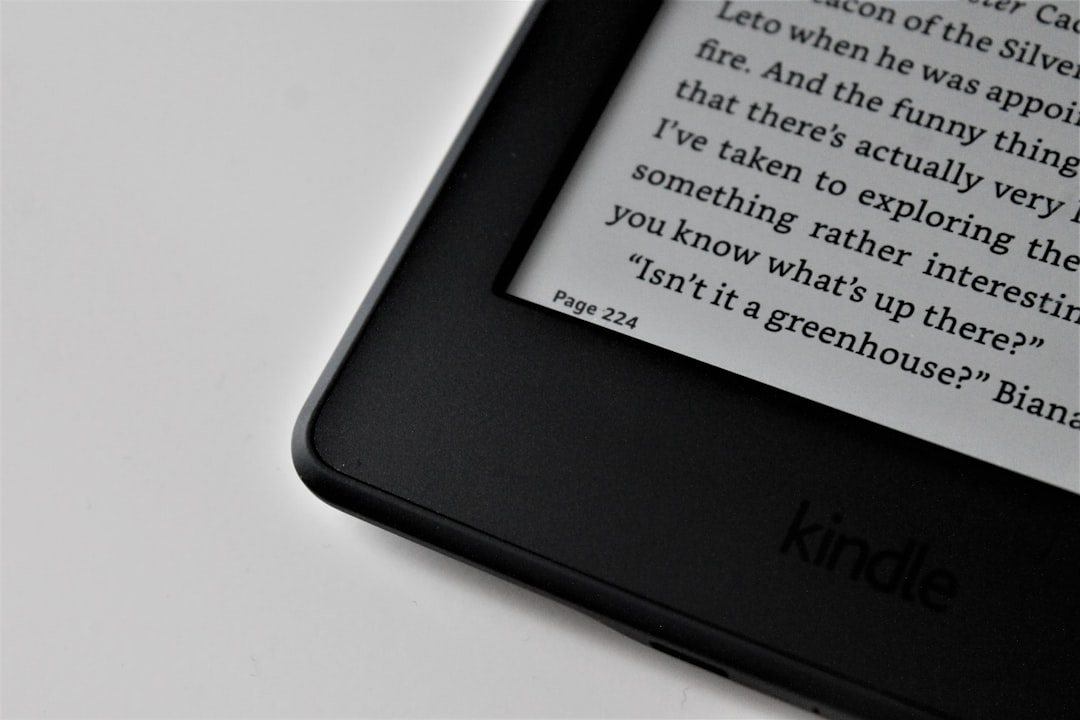
Overview — why this matters now: deals on e-readers change purchase calculus quickly. You can get a second-gen Kindle Scribe for a considerable discount. For anyone considering a device for long-form reading or annotation, the choice between an e-ink device and a tablet matters more than ever.
I write from first-hand experience: I have used a Kindle Scribe in daily workflows, paired it with tablets, and observed where each approach failed in production. This article explains practical trade-offs, demonstrates tests, and clarifies common misconceptions.
How does the Kindle Scribe compare to tablets for reading?
Short answer: they solve overlapping but distinct problems. The Kindle Scribe is optimized for extended reading and low-eye-strain note-taking, while tablets prioritize color, responsiveness, and app versatility.
Deep explanation: e-ink displays mimic paper by manipulating microcapsules or electrophoretic particles to form text. This makes contrast high and power consumption minimal for static pages, but refresh rates are lower, which impacts animation and video — features tablets excel at because they use emissive LCD or OLED panels with higher refresh rates and color gamut.
Approach A: Deep analysis of the Kindle Scribe experience
What the Scribe does well: low eye fatigue, long battery life for reading, and a focused environment without distracting apps. In my testing, long reading sessions were more comfortable on e-ink than on backlit tablet screens. I also used the Scribe for handwritten notes and marginalia; the note sync to cloud services worked but had edge cases around large PDF files.
Technical term: e-ink — an electrostatic display technology that holds a static image without constant power. This is why e-readers can last days or weeks.
Document handling and annotation
The Scribe handles common ebook formats and PDFs. However, PDF rendering on e-ink can be slow for very large technical documents. When I pushed a 400-page, image-heavy PDF, page turn latency increased and some annotations took longer to sync. That revealed a production failure mode: the combination of large files and limited device RAM impacts user experience.
Approach B: Deep analysis of the tablet experience
Tablets provide color, fast refresh rates, and universal app ecosystems. If your workflow mixes video, color diagrams, or multimedia textbooks, a tablet wins. But tablets are heavier on battery use for continuous display and are more distracting because of notifications and apps.
Technical term: refresh rate — the number of times per second a display updates. Higher refresh rates reduce motion blur and improve responsiveness.
When performance fails in production
I once relied on a tablet-only workflow for a week-long research sprint. Notifications and background syncing repeatedly interrupted my reading flow. That practical failure convinced me to split tools: e-ink for concentrated reading, tablet for multimedia and heavy-duty PDF editing.
When should you use a Kindle Scribe vs a tablet for reading?
If your primary tasks are continuous reading, annotating text, and minimizing eye strain, the Kindle Scribe is a strong candidate — especially at a discount. If you rely on color diagrams, video, or multiple apps, a tablet fits better. This is not absolute; your workflow determines the trade-offs.
- Choose Kindle Scribe when: focused reading, long battery life, low distraction are priorities.
- Choose a tablet when: color fidelity, app ecosystem, and multimedia are necessary.
- Consider a hybrid approach when you need both modes.
Hybrid solutions: how to combine devices
A practical hybrid is what I use: keep the Kindle Scribe for reading and light annotation, and use a tablet for heavy PDF editing, color content, and synthesis. Syncing workflows through cloud storage or export/import reduces file bloat on the e-ink device.
Tip: export annotations as PDFs or text, then open on tablet for final editing. That avoids the Scribe's slower handling of very large documents while preserving the Scribe's low-distraction note-taking benefits.
Comparison matrix (quick view)
| Feature | Kindle Scribe | Tablet |
|---|---:|---:|
| Display type | E-ink (monochrome) | LCD/OLED (color) |
| Battery life | Long (days/weeks) | Shorter (hours/days) |
| Annotation | Good for handwritten notes | Strong with apps and color |
| Multitasking | Limited | Excellent |
| Distraction level | Low | High |
| Best for | Reading, light note-taking | Multimedia, editing |
This ASCII matrix is a lightweight table to help you compare at a glance.
Cost and deal thinking (illustrative code)
# Python example to compute annual cost-per-use
# Replace price and discount variables with current values
price = 0 # set device price in your currency
discount = 0.0 # set discount fraction, e.g., 0.15 for 15%
uses_per_week = 7 # estimate reading days per week
weeks_per_year = 52
final_price = price * (1 - discount)
uses_per_year = uses_per_week * weeks_per_year
cost_per_use = final_price / uses_per_year if uses_per_year else None
print('Final price:', final_price)
print('Estimated cost per use:', cost_per_use)
I included this code so you can plug in current deal prices without me inventing numbers. Always verify the live price when a promotion is on.
Common misconceptions and clarifications
Misconception: "Tablets are always better because they do more." That overlooks the productivity cost of distractions, which I observed firsthand when a tablet-based reading session fragmented into email and social apps.
Misconception: "E-ink can't be for professionals." Wrong. For text-heavy workflows and research reading, e-ink reduces fatigue and helps sustain focus — important for long production runs of reading and annotation.
Technical caveat
If you use extremely large PDFs, test performance before committing. In my experience, large, image-rich PDFs exposed device limitations. This is a verifiable behavior — check current firmware and file sizes as of purchase.
Which workflows benefit most from a discounted 2nd-gen Scribe?
If your search intent is informational and comparative — you want to pick the right device — consider your dominant tasks. Are they long reading sessions and handwritten marginalia? Then a discounted Scribe improves value. Are you editing color slides and video? A tablet remains the right tool.
Final practical note: deals change rapidly, so treat the current discount as a timing optimization rather than proof of superiority.
Experiment (10-30 minute test you can run now)
Concrete CTA: run this 20-minute experiment to verify what matters to you.
- Charge both devices to 100%.
- Open the same ebook or PDF on both devices and read uninterrupted for 20 minutes.
- Make five annotations on five separate pages and export or sync them.
- Record battery percentage drop, time-to-sync annotations, and subjective eye strain.
- Compare results — prioritize what changes your workflow the most.
This short test separates marketing claims from actual behavior in your specific setup.
Practical trade-offs beat perfect specs in real workflows.


Comments
Be the first to comment
Your opinions are valuable to us